Get it out of your head.
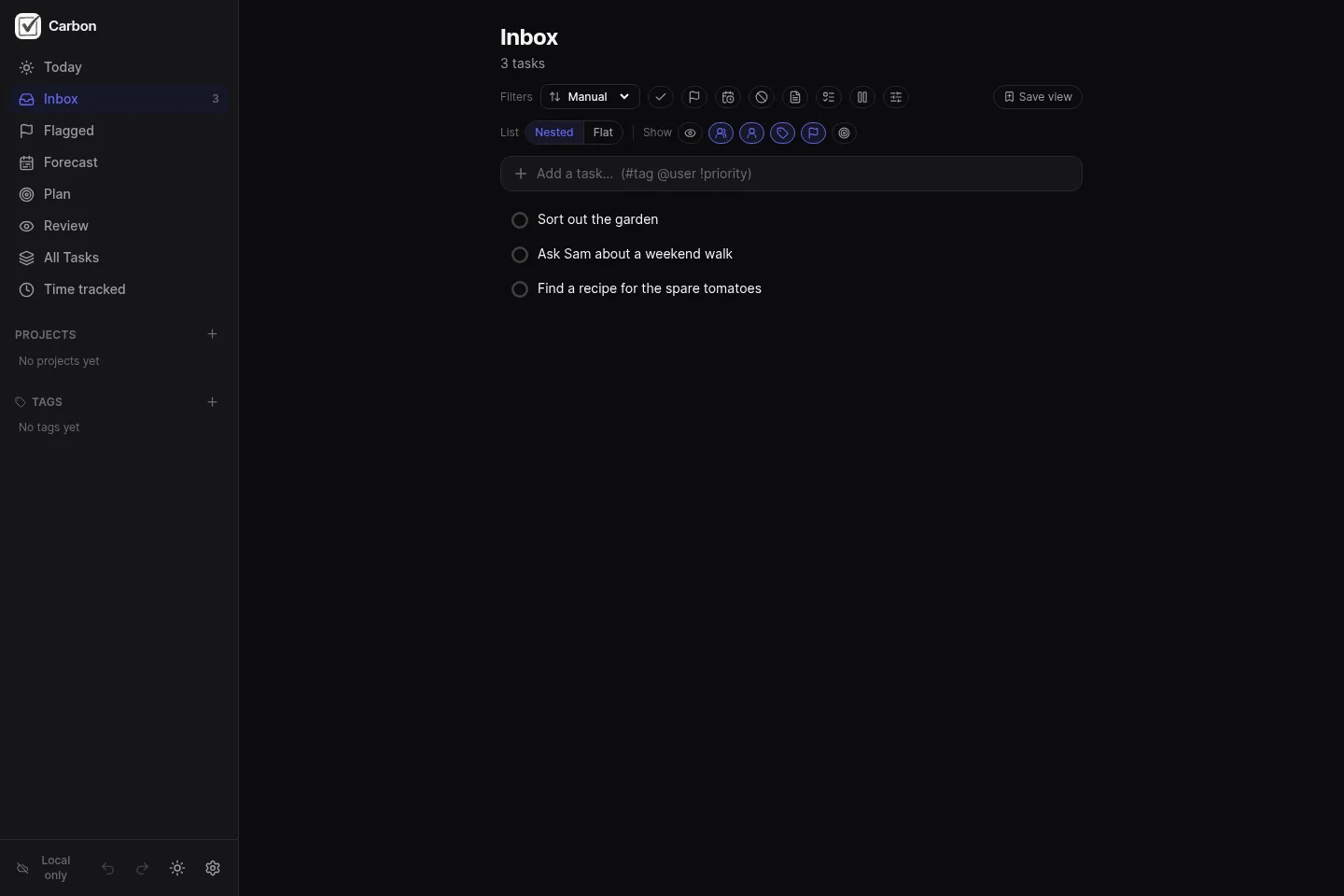
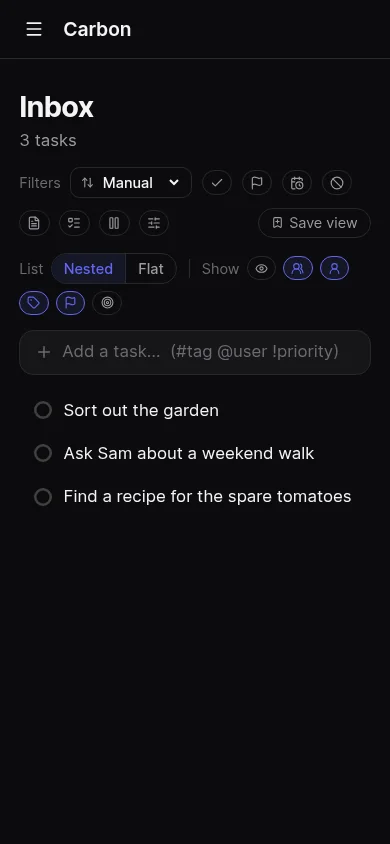
Add “sort out the garden” to your inbox. You don't have to choose a project or a date yet.
 Carbon
Capture tasks, organize projects, plan your day, and review what needs attention. Start locally for free. Add sync when you need it.
No account needed for local use.
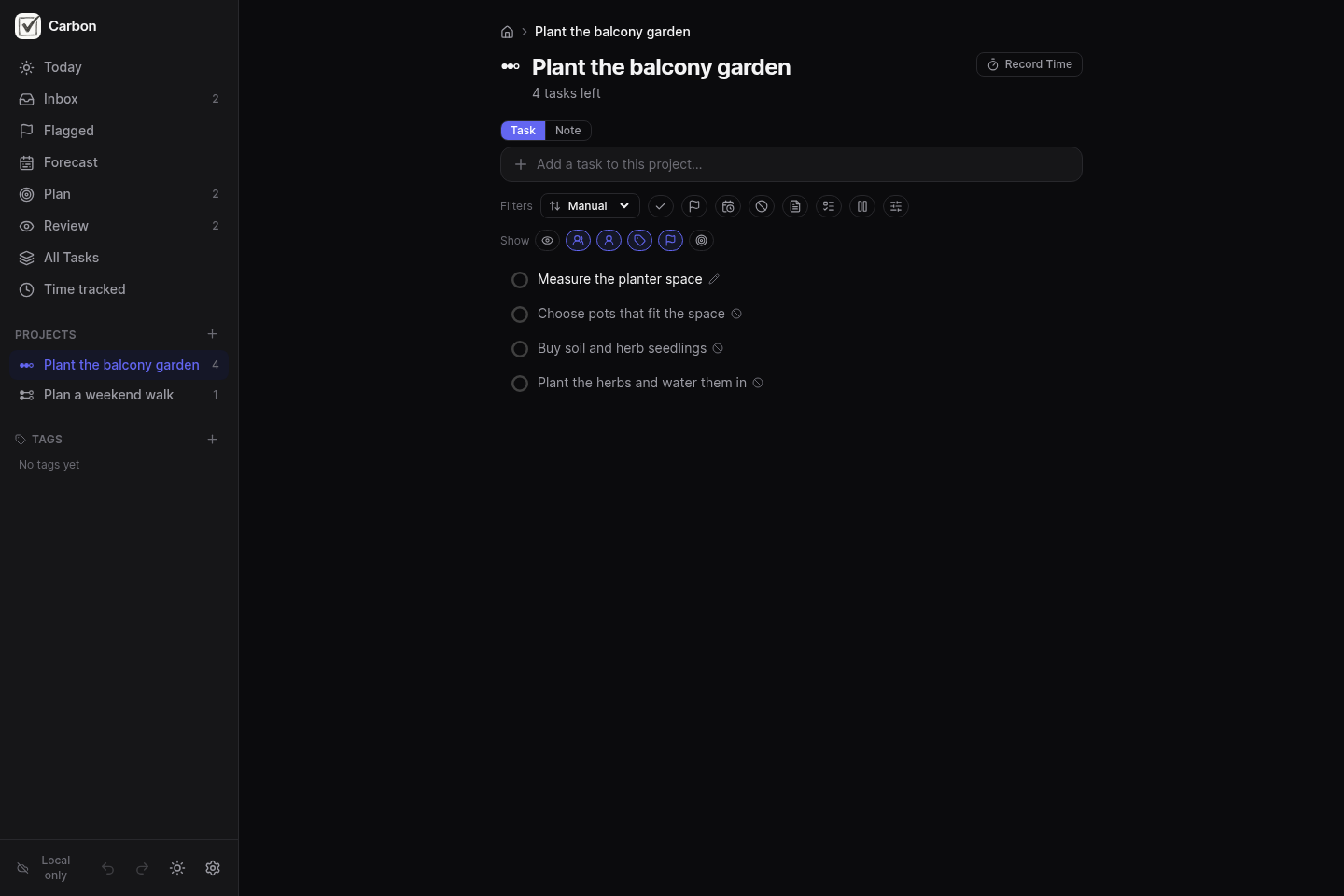
Keep the outcome and the steps together, so you can pick up where you left off.
A GTD workflow
Capture first. Decide what it means when you have time to think.
Add “sort out the garden” to your inbox. You don't have to choose a project or a date yet.
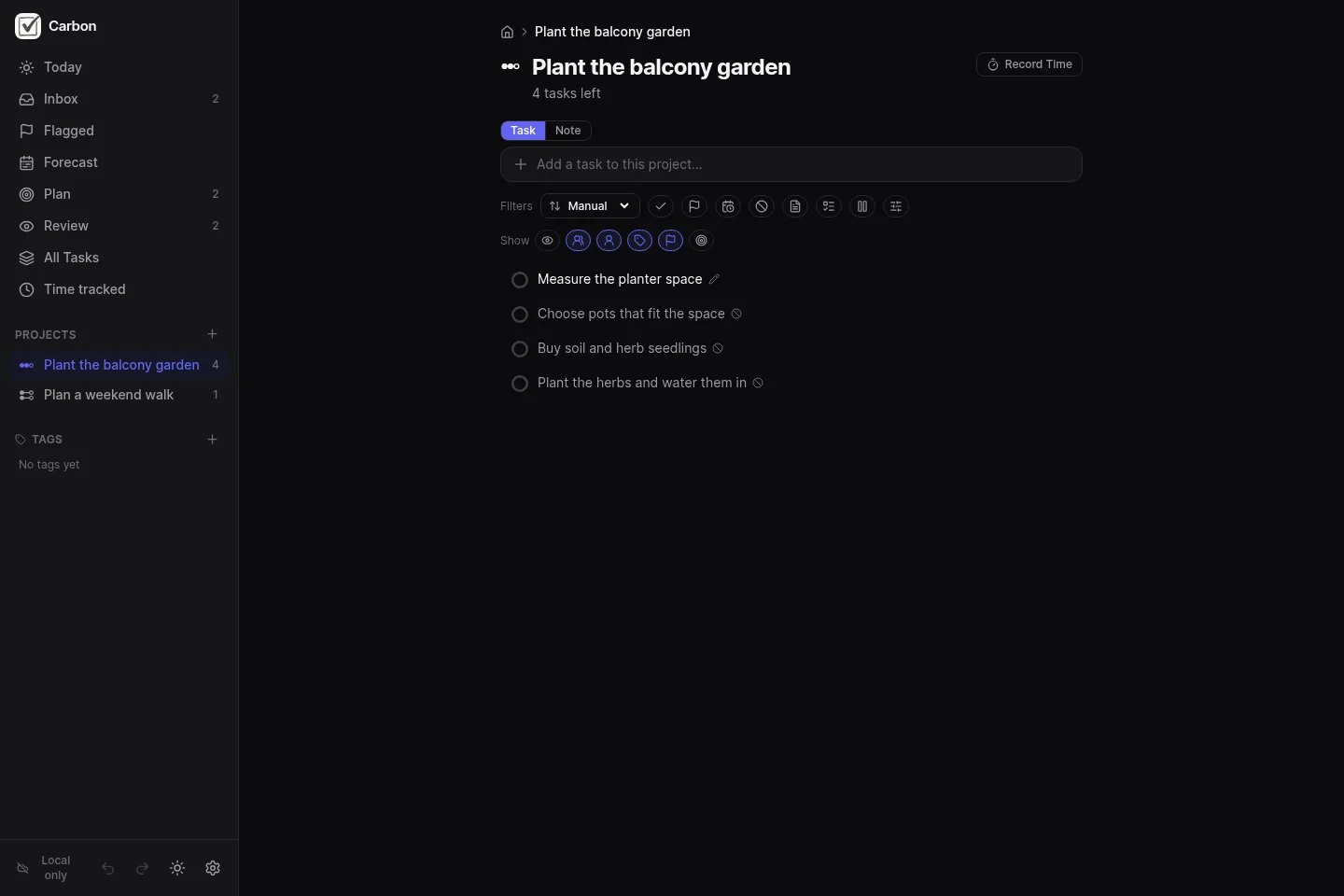
Turn the idea into a project: “Plant the balcony garden”. Start with “Measure the planter space”, then order the steps that follow.
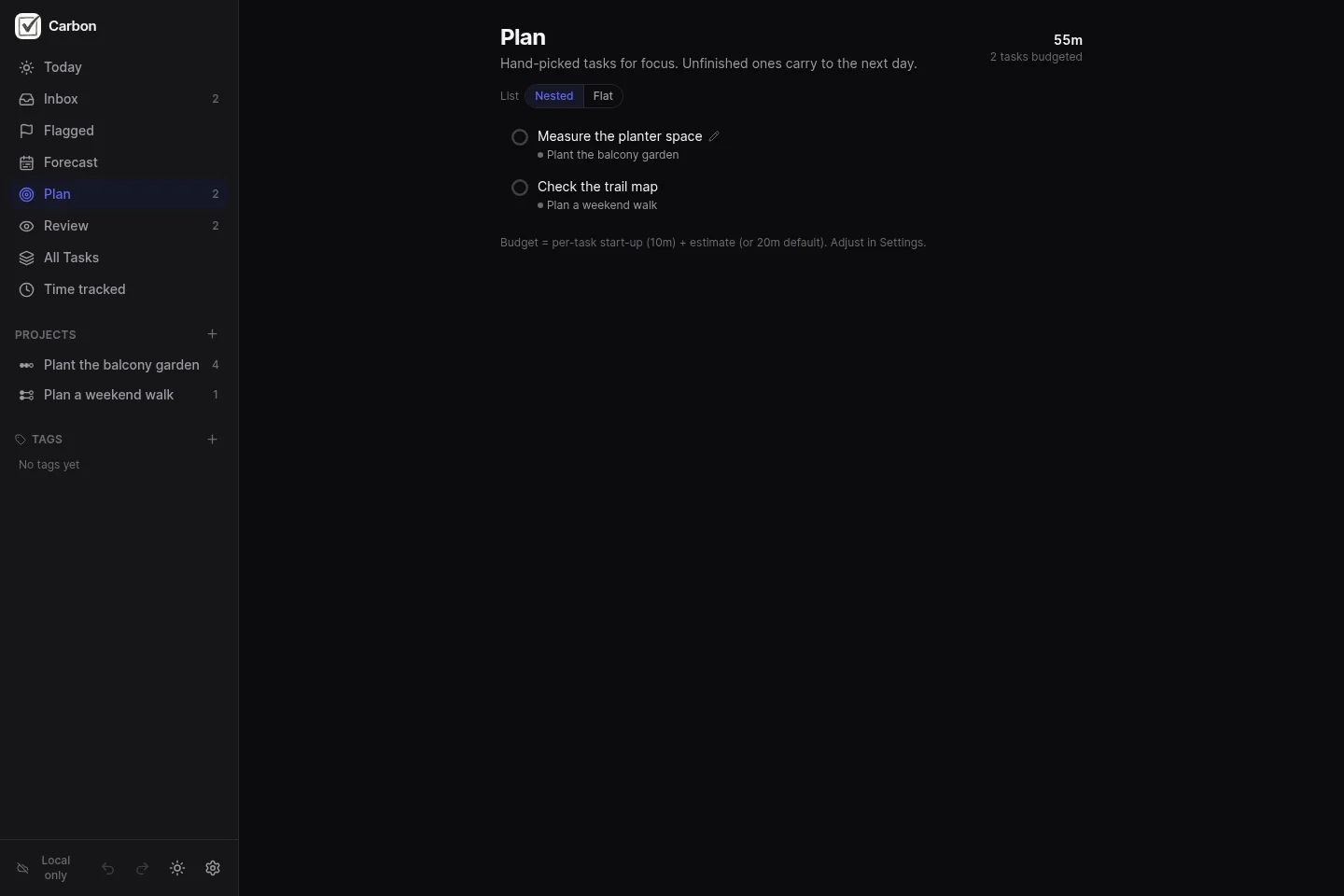
Choose a few actions for today and add time estimates. Leave room for the rest of your day.
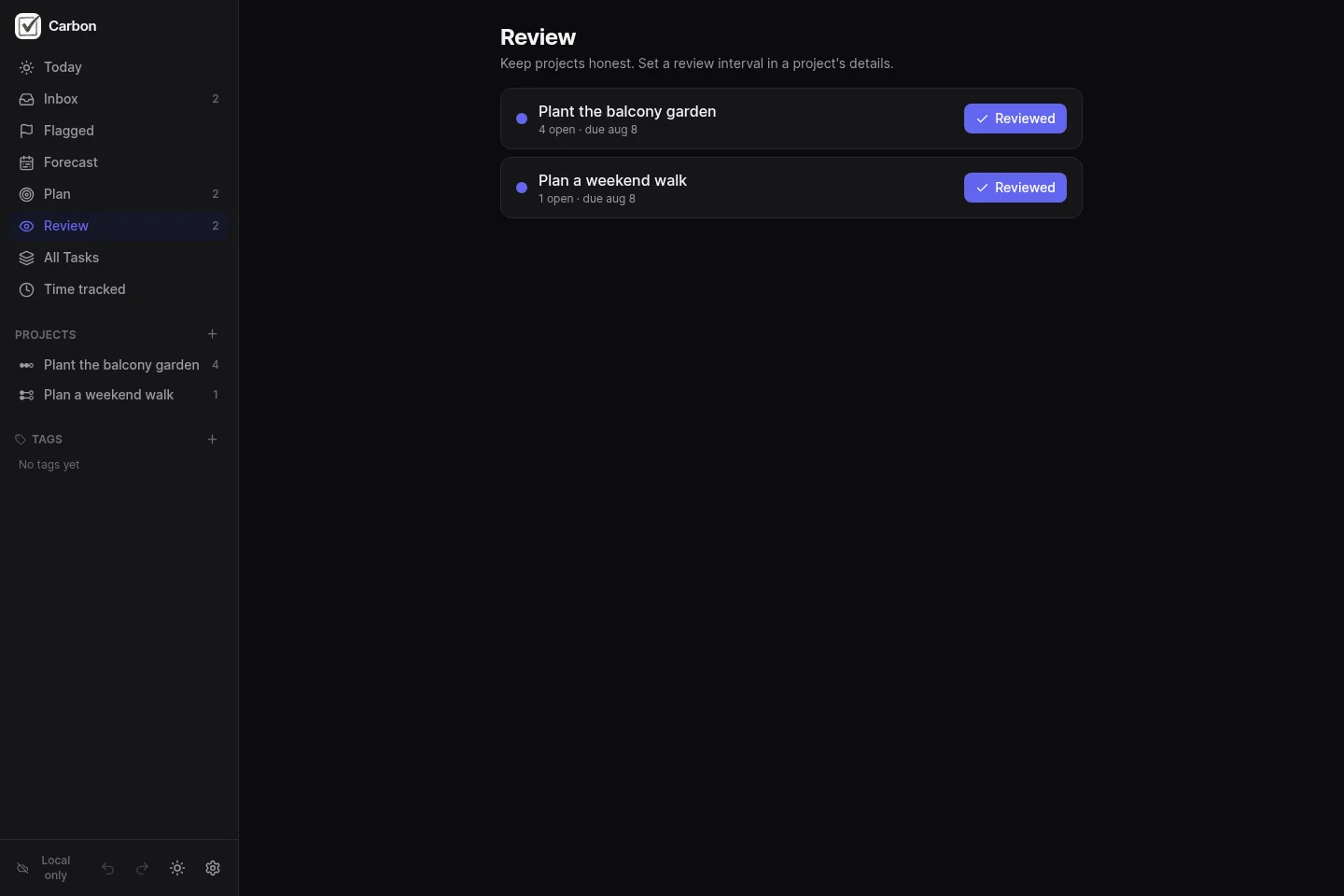
Check the projects due for review. Look at what has moved, what is waiting, and whether each project has a useful next action.
Free · no account
Keep tasks in this browser. Work with locally stored tasks without a sync server.
Use the same browser and address to return to your data. Clearing browser storage removes local data. Uncached images and online integrations need a connection.
Try locallyOptional sync
Create a workspace on the Carbon host to use a sync server without running one yourself.
An account and an internet connection are needed to connect to the host. Basic AI is included.
Create a hosted workspaceYour server
Run Carbon's open-source server on your own infrastructure.
You manage the server, updates, storage and backups. Infrastructure and any model-provider costs are yours.
Read the setup guideOn your device
Start in your browser. For Linux, Windows and Android, check the release notes and attached files for the builds available in each release.
Optional hosted sync
Basic AI is included, subject to fair-use limits. Prices are in Australian dollars.
$7.50 AUD
For three months of hosted access.
$20 AUD
For a year of hosted access.
No. Choose Try locally to start in your browser. Create an account if you want a hosted workspace.
You can work with tasks stored on your device. Sync, AI and other online integrations need a connection. Images and attachments need to be available locally before you go offline.
Local use stores data in your browser at the address you use. A connected workspace also sends data to its sync server. See the privacy policy and data guide for details.
Yes. The Docker guide covers setup. You are responsible for operating and backing up your server.
Open the workspace address you received when you signed up. You sign in at that address. Bookmark it to return.
Enter its name or full hostname. You'll sign in at your workspace address.